
What is a QR menu,and what does it bringa restaurant?
A printed menu starts to date the moment a price changes. A QR menu takes a decision made in the kitchen straight to the table.
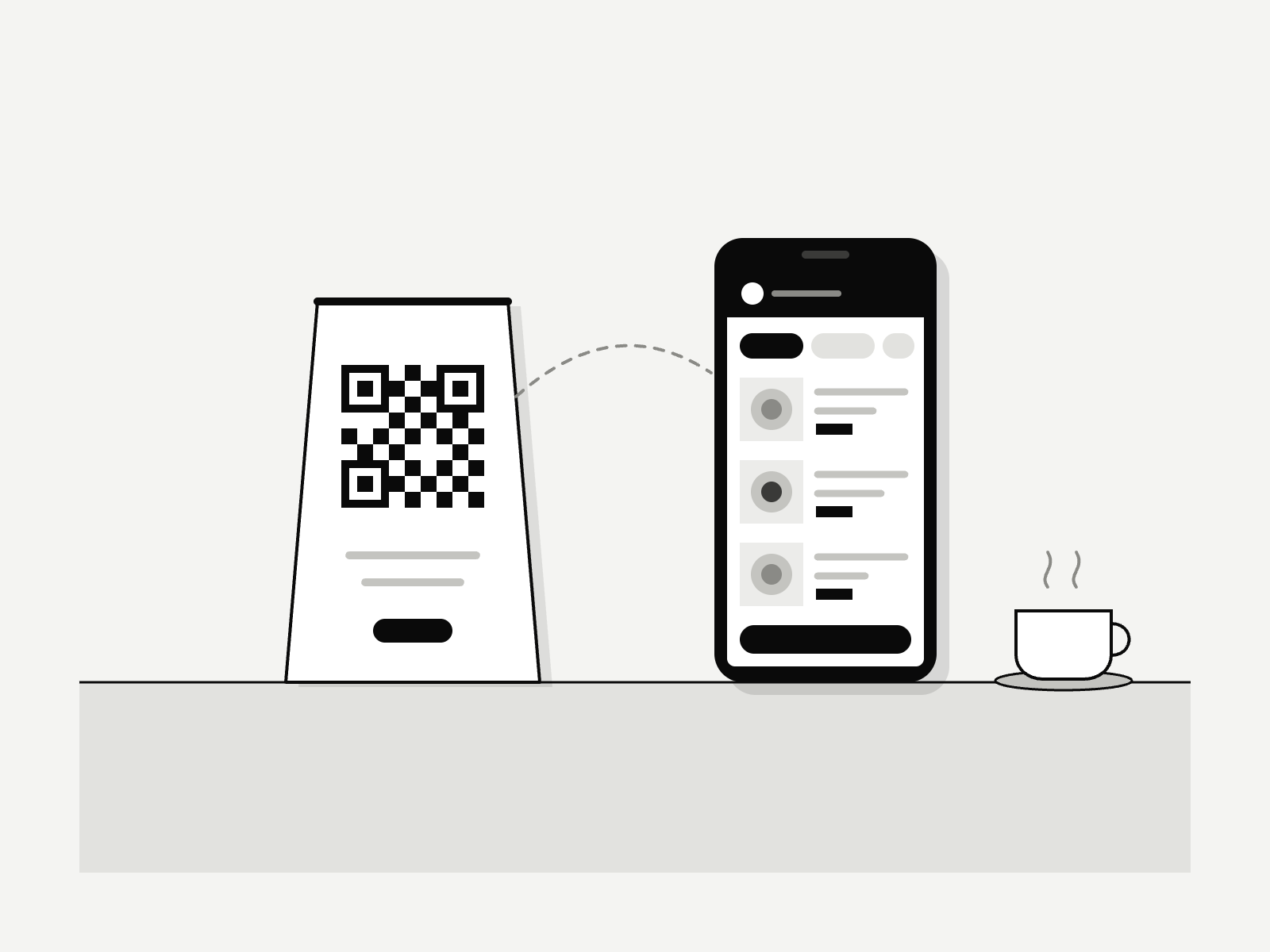
A QR menu is a menu that guests open on their own phone by scanning a QR code on the table with the camera. They don't need to download an app or sign up; the menu opens in the browser. It does everything a paper menu does, with one difference: the moment the restaurant changes a price, a dish or a description, the menu changes too. Below you'll find what a QR menu brings a restaurant, what to watch out for, and how Menujoo, the QR menu platform developed by Serezart, approaches the job.
When prices change, so does the menu
In restaurants, prices, seasonal dishes and sold-out items change all the time. With a printed menu, each change means a reprint or a crossed-out price. With a QR menu, as soon as the business changes a price in the dashboard, adds a new item or marks something as sold out, the menu updates. In Menujoo, a sold-out item isn't deleted; it turns pale and moves to the end of the list, so guests still see it but know it's unavailable without asking the waiter. Bulk price changes, edits scheduled for a future date and time-limited promotions are managed from the same dashboard.
Guests read the menu in their own language
In tourist areas, hotels and restaurants with many international guests, translating the menu often means separate printed menus. With a QR menu, guests choose the language themselves. Menujoo offers menus in ten languages, from Turkish to Arabic; Arabic reads right to left and prices stay the same in every language. AI can suggest translations, but no suggestion reaches the menu until the restaurant approves it.
Allergen and diet information is clear
More and more guests want to know not just what to eat but what's in it. A good QR menu shows allergen and dietary information for every item. In Menujoo, guests can hide items containing allergens and list dishes that suit their diet, such as vegan or gluten-free. For alcohol and tobacco, a calm age confirmation appears without blocking the menu. Waiters no longer have to answer the same questions at every table.
The menu becomes part of your brand
In a guest's hands, a QR menu is one of the screens they look at longest in your restaurant. So it matters not only that it works but that it looks like your brand. In Menujoo, ready-made themes, light and dark mode, your own colours, typefaces and logo let you match the menu to your brand. When you need a printed price list, it can be generated from your menu as a PDF.
You see which dishes get attention
A printed menu can't tell you what guests look at. A QR menu shows you the most and least viewed items, busy days and hours, and how many scans come from each table. In Menujoo, guests can also leave feedback through the menu, with ratings for taste, service, presentation, price and cleanliness reaching the business. All this helps you shape your menu on data rather than gut feeling.
How do you switch to a QR menu?
With Menujoo it takes three steps. First you sign up, and your restaurant's menu address is ready. Then you follow the setup wizard to add your menu, entering items one by one or importing the whole menu from an Excel file. Finally you download your QR codes and place them on your tables. Because each table can have its own QR code, you can also track how many scans come from each one.
What to watch out for
- Photos: on a QR menu, guests see the dish in a photo first. Photos taken in different light and from different angles make the menu look messy. Menujoo doesn't use AI-generated food images; guests see the real photo of the dish you prepare.
- Copy: short, appetising and accurate descriptions; information, not exaggeration.
- QR code placement and legibility: a well-printed code that's easy to spot on the table and doesn't catch glare.
- Service flow: the menu should work alongside your existing till and service routine and not interrupt your team at peak times.
In short
A QR menu opens without an app, updates instantly, speaks the guest's language and shows the restaurant which dishes attract interest. At Serezart Creative Studio we've been designing restaurant menus and photographing food in Istanbul for more than 20 years, and that experience is behind Menujoo, the QR menu platform we develop for restaurants. To make your menu look its best, we photograph your dishes in our studio and deliver them sized for Menujoo; learn more about our food photography.
About QR menus.
Do guests need to download an app?
Can we update the menu ourselves?
Does it replace our existing website?
More articles
 AI
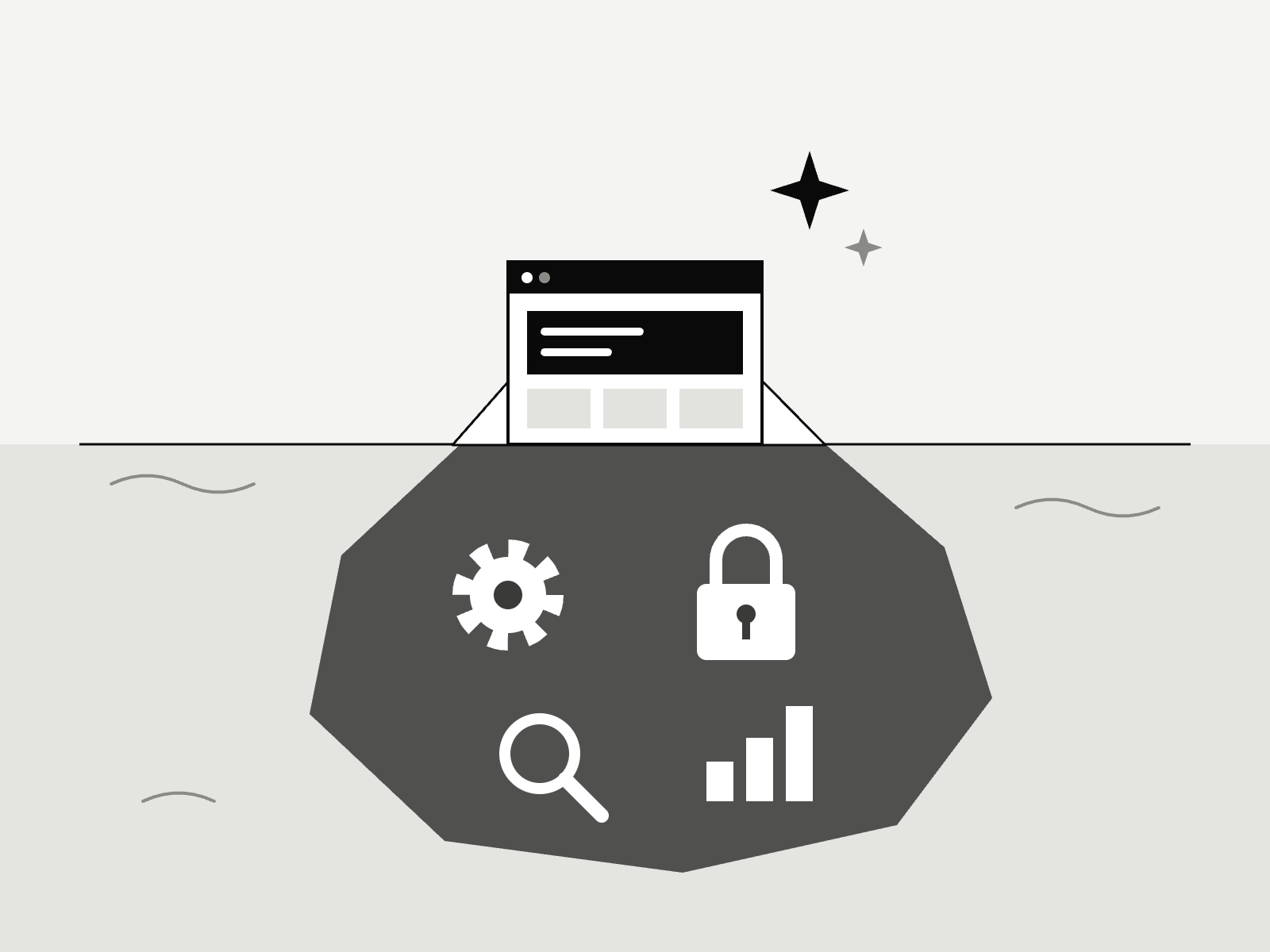
Building a website with AI a fast start, hidden costs
You can launch a site in minutes. It pays to know the costs that surface later in security, speed, SEO and maintenance.
 Web
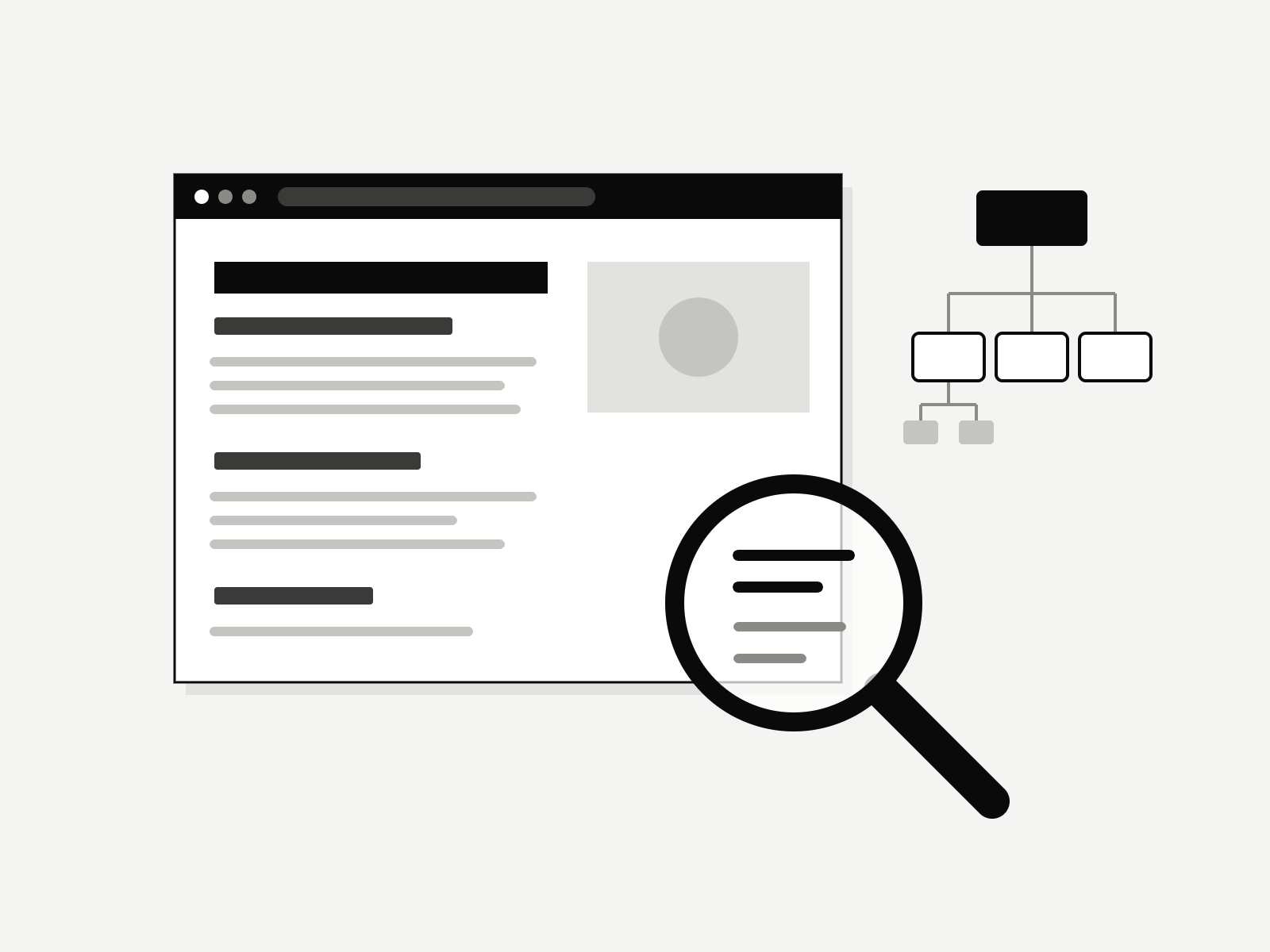
The essentials of an SEO-ready website
From titles to sitemaps, from speed to structured data: the groundwork that helps search engines understand your site properly.
 Branding
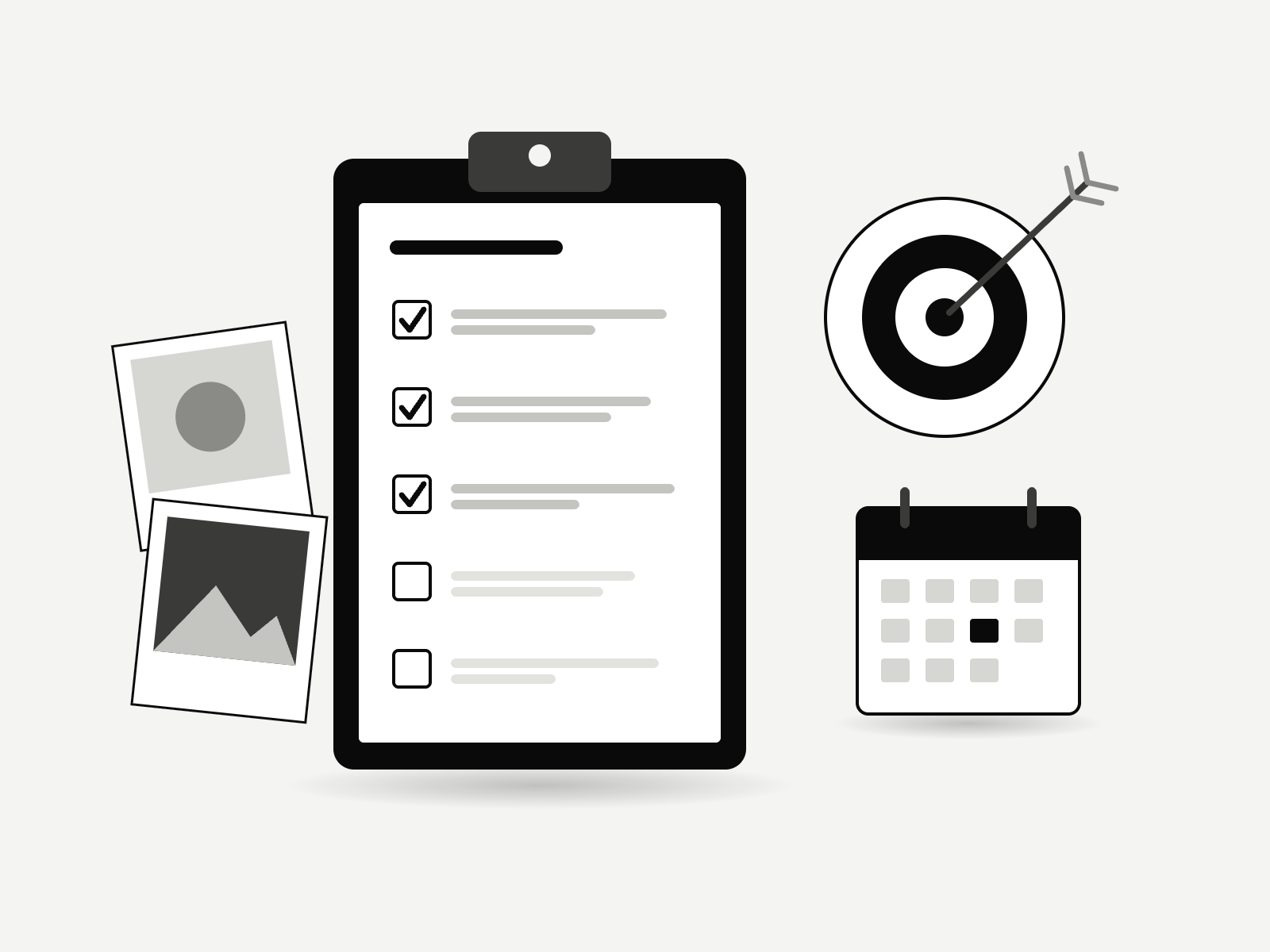
How to write a good brief for your agency
Goals, audience, competitors, references, budget and timeline. A good brief gets half the job done before the first meeting ends.