
 Our own product
QR menusfor restaurants
For years we have been designing restaurant menus and photographing their dishes. We also watched printed menus go out of date every time a price changed. That is why Menujoo was born: a digital menu that opens with a QR code, is always up to date and belongs to your brand.
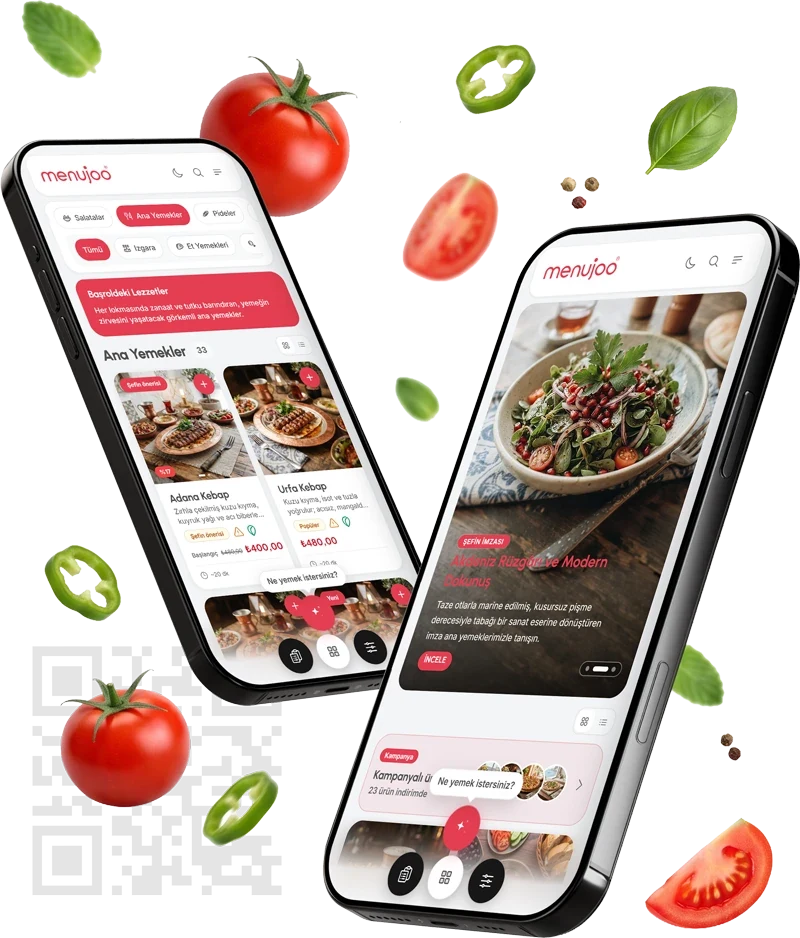
The menu, on your guest's phone.
Guests scan the QR code and the menu opens in their browser. The moment you save in the panel, the menu is updated.
- 01
No app, no waiting
The menu opens in the browser; guests are never asked to download an app or sign up.
- 02
Save, and it's live
Change a price, add a new item, mark an item as sold out: the change appears on the menu at the same moment.
- 03
A menu in ten languages
From Turkish to Arabic, guests choose their own language; Arabic reads right to left, and prices stay the same in every language.
- 04
A look made for your brand
Ready-made themes, light and dark mode, your own colours, typefaces and logo.
- 05
Allergens, diets and sold out
Guests can hide items containing allergens and list the ones that suit their diet; for alcohol and tobacco, a discreet age check appears.
- 06
AI suggests, you decide
Suggestions for descriptions, translations and allergens; bulk changes in a single sentence with Robot Şef Joo in the panel. No suggestion reaches the menu without your approval.
You run your menu.
The setup wizard takes you through it step by step. Import your menu from Excel, update prices in bulk, schedule changes for a later date, and export your printed price list from your menu as a PDF.
What's in Menujoo?
QR menu
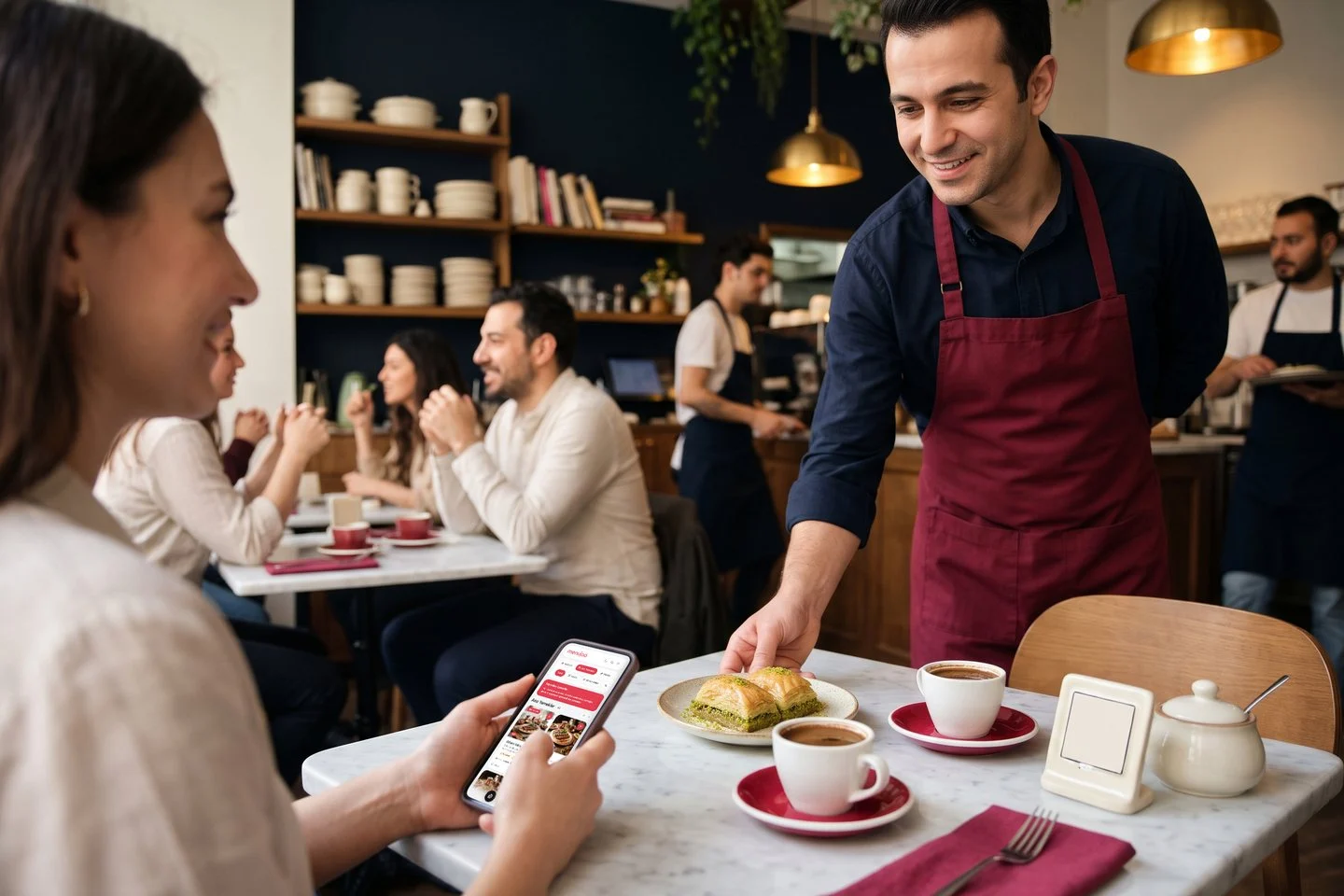
A separate QR code for every table; the menu opens in seconds with no app to download.
Multiple branches
All branches in one account; menu and theme carry over to a new branch in one click.
Panel and team
Staff see only the screens they need; a wrong change is undone in one click.
AI
Descriptions, translations, allergen suggestions and Robot Şef Joo; nothing reaches the menu without your approval.
Items and categories
Photos, portion sizes, extras and combo meals; the whole menu uploads from Excel in one go.
Prices and promotions
Bulk price increases, scheduled publishing, time-limited promotions and a print-ready price list.
Customisation
33 ready-made themes, your own colours and typefaces, light and dark mode, your own domain.
Multilingual
Guests open the menu in their own language; empty languages are translated by AI in one click.
Guest relations
Feedback, a customer list and transfer of opted-in guests to your marketing tools.
Analytics
Most viewed items, peak hours, QR scans per table and a menu health score.
Security
Two-factor authentication, spam protection and a backup you can download at any time.
Guide
Every screen of the panel explained step by step, using real screenshots.
Everything you need, nothing more.
Guests want to see each dish clearly and find the right information fast. That is why we keep Menujoo focused on the features that work for you and design it around the way you work.
- 01
Fits your service
The menu works alongside your existing till and service routine; it doesn't interrupt your team at peak times.
- 02
Your dish, as it is
Guests see a real photo of the dish you prepare; no AI-generated food images. Professional shoots are done by our studio.
- 03
Information from your kitchen
AI suggests, your kitchen has the final say. Guests only see information you have approved.
There's an agency behind the software.
Menujoo is developed by Serezart. If you want your menu not just to work but to look good too, our studio is here for you.
- 01
Food photography
We shoot the dishes on your menu in our studio, with the same light and styling. See our photo shoots.
- 02
Branded QR menu design
For chains and multi-branch businesses, we build the menu around the brand's corporate identity.
- 03
Agency services
From logo and identity to websites, from promotional films to print; all our services are open to Menujoo users too.
Take your menu digital today.
You'll find the plans, every feature and a live demo menu at menujoo.com. Sign up, add your menu and place your QR codes on the tables.